
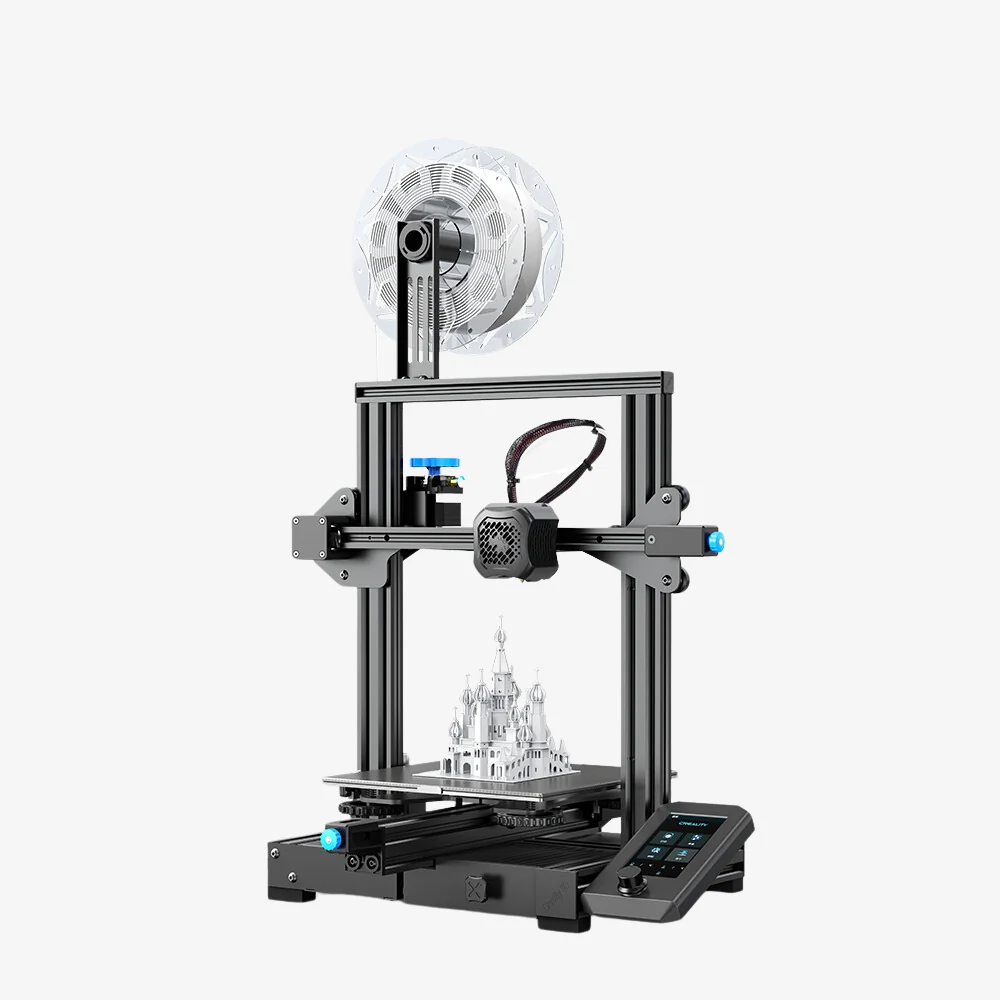
If you found this page, you are probably running Octoprint via a Docker image. My setup utilizes a BigTreeTech CB1 connected to a Creality Ender 3 V2 3D printer using USB.

The Problem:
The problem I’ve run into is that anytime the 3D printer power cycles, Octoprint loses the USB serial interface on the 3D printer. The fix has been to log into the CB1 and restart the docker container. The issue is related to how docker maps devices. If the device object (/dev/ttyUSB0) disappears from the underlying system, the docker container loses the device as well. The problem is that when the USB device re-appears, docker doesn’t re-attach it to the container.
The Options:
I ran across a few options while troubleshooting this off and on over the past few years I’ve been using Octoprint:
- Give the docker container full access to the
/devfolder – This defeats a lot of the purpose of using a docker container, so I didn’t pursue this option at all. - Switch to an install of Octoprint on the CB1 rather than running in a docker container – This makes updates a bit more difficult, I already have ansible scripts setup to update docker containers and have logging setup to Splunk. Ideally I want to maintain running in docker.
- Find a way to automate restarting the container when needed
Since restarting the container seems to be the best option, automation is needed. After some Google and Gemini searching, I ended up applying a udev rule to automatically restart the docker container anytime the Ender 3 V2 USB device is connected.
The Fix:
The solution I settled on utilizes udev to restart the container. First, you need to get the vendor and product ID’s from lsusb:
Bus 002 Device 009: ID 1a86:7523 QinHeng Electronics CH340 serial converter1a86 is the Vendor ID and 7523 is the product ID for the USB to serial converter in my Ender 3 V2 (vendor and product ID’s might vary for different revisions or different printers). If you don’t already have a rules file, create one in /etc/udev/rules.d . The filename needs to start with a number followed by a dash. The number defines the priority of the rules udev applies. My rules file is named 70-ttyusb.rules and has the following contents:
KERNEL=="ttyUSB[0-9]", MODE="0666" KERNEL=="ttyACM[0-9]", MODE="0666"
ACTION=="add", SUBSYSTEM=="tty", ATTRS{idVendor}=="1a86", ATTRS{idProduct}=="7523", RUN+="/usr/bin/docker restart octoprint"
The first line is used to auto assign permissions to any ttyACMx or ttyUSBx object created. The 2nd triggers the restart of Octoprint anytime the USB device with the matching vendor ID and product ID is attached to the system.
NOTE: Be sure to update the path to the docker executable if it is not located in /usr/bin. Also be sure to update the name of your docker container (mine is octoprint in this example).
The end result is success! If I disconnect an reconnect the USB cable to the 3D printer, the container restarts!
Links:
Octoprint Docker image: https://hub.docker.com/r/octoprint/octoprint
Some info on the CB1: Bigtreetech CB1